Performance tuning on IBM i works best when it starts with evidence.
The goal is not to guess what the system needs. The goal is to identify the real bottleneck and make a change that improves actual business work.
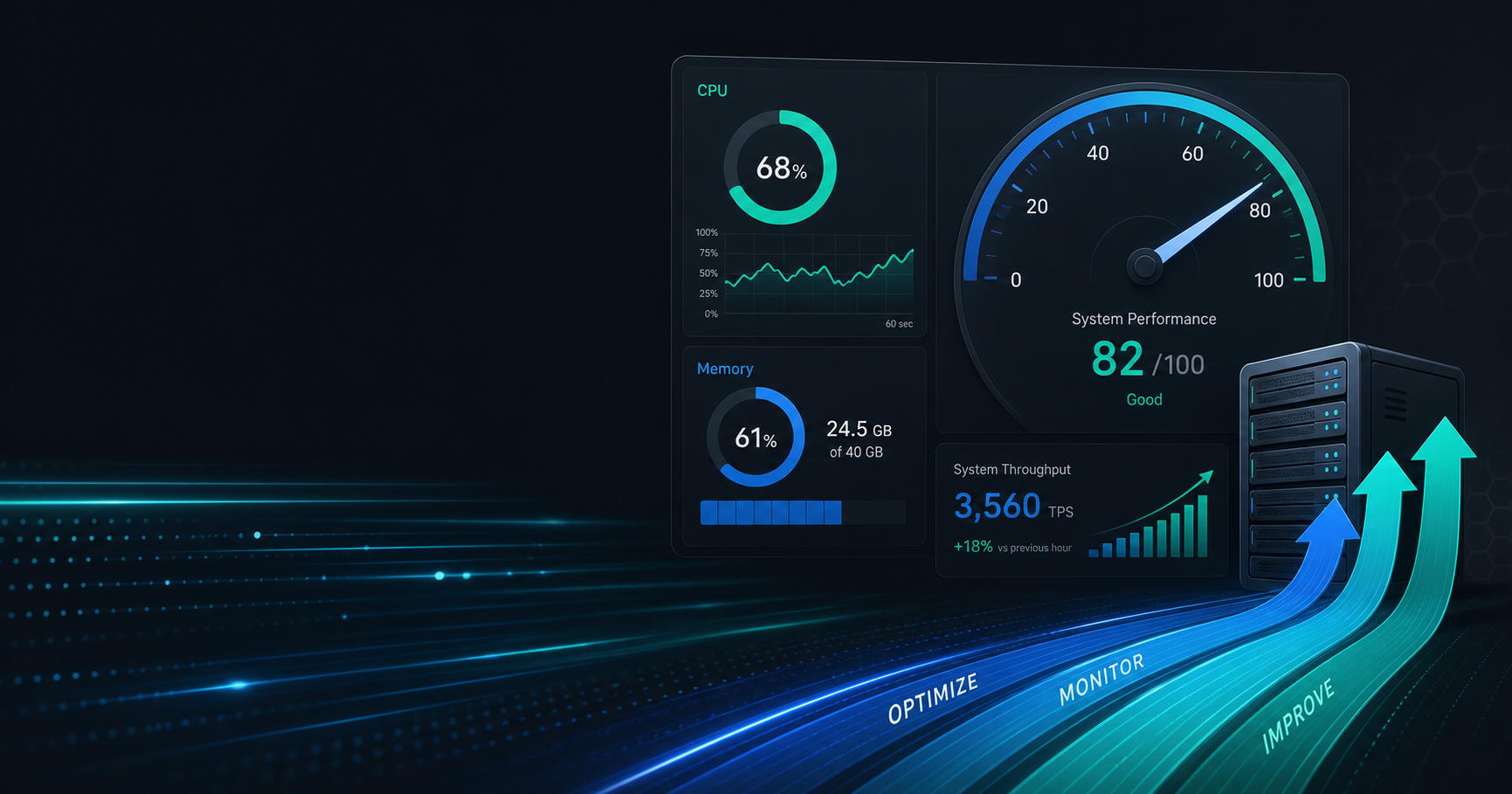
Start with measurement
If you cannot measure the current state, you cannot know whether a change helped.
Look first at:
- response time
- CPU consumption
- memory pressure
- disk and I/O patterns
- job mix
- query behavior
Those signals help you decide where the real constraint is.
Do not tune blindly
A common mistake is changing a system because it “feels slow.”
That can waste time and create noise. A better approach is to identify whether the problem is:
- application logic
- database access
- storage latency
- capacity limits
- job scheduling contention
Different bottlenecks require different fixes.
Small changes are often best
IBM i environments are usually more stable when tuning is incremental.
Helpful changes might include:
- reducing unnecessary work in a job
- improving query access paths
- cleaning up scheduled workload overlap
- separating heavy batch tasks from peak interactive periods
Each small improvement is easier to validate and safer to roll back if needed.
Why workload context matters
A system is not slow in the abstract.
It is slow for a particular workload, at a particular time, under particular conditions. If you know whether the issue is interactive users, batch runs, or database operations, you can focus your effort.
Common beginner mistakes
Avoid these errors:
- assuming more CPU always fixes performance
- changing too many variables at once
- ignoring I/O bottlenecks
- tuning without a baseline
The best tuning work is disciplined, not dramatic.
A practical workflow
- Capture a baseline.
- Identify the bottleneck.
- Make one change.
- Measure again.
- Keep the change only if it helps.
That workflow is simple, but it prevents a lot of wasted effort.
Where this fits in the series
This article is meant to help beginners understand performance without turning the topic into a tool-specific deep dive.
If you want the platform foundation first, read the pillar article, What Is AS400 (IBM i)? A Complete Beginner’s Guide.