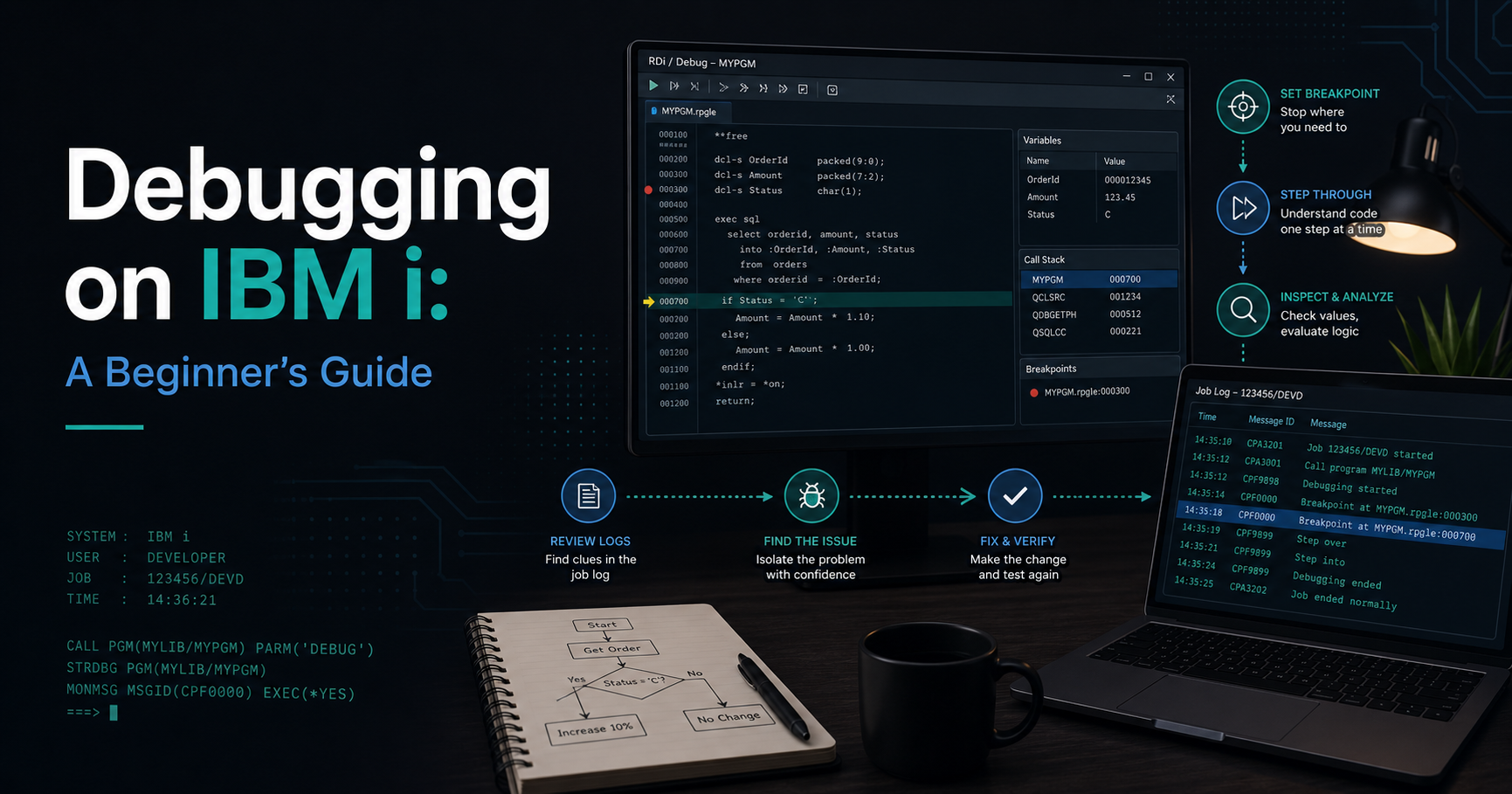
Debugging on IBM i is less about staring at code and more about reading the system’s clues carefully.
When something fails, the platform usually leaves a trail in job logs, message queues, or diagnostic output. The first skill is not a fancy debugger. It is knowing where to look.
Start with the symptom
Before you open any tool, define the problem clearly:
- What was the user trying to do?
- What should have happened?
- What actually happened?
- Is the failure repeatable?
That small checklist prevents a lot of wasted effort. Many debugging sessions go wrong because the team starts with a theory instead of a symptom.
Read the job log
The job log is one of the most useful places to begin.
It often contains messages that explain:
- what command or program ran
- what error occurred
- which object or record triggered the issue
- whether the failure was informational, recoverable, or fatal
For beginners, the job log is usually the fastest route from confusion to evidence.
Use breakpoints when code is involved
If the problem lives inside application logic, breakpoints help you pause execution and inspect values.
That is useful when you want to know:
- which branch was taken
- what a variable contained at a key step
- whether a condition was evaluated correctly
- where the code path diverged from expectations
The goal is to verify behavior, not to guess it.
Follow the message trail
IBM i systems often communicate through messages.
Those messages can point to missing data, authority issues, file state problems, or application errors. Beginners should learn to read the exact message text and not stop at the first high-level failure summary.
Debug one layer at a time
Good debugging is layered:
- confirm the failure
- isolate the job or program
- read the log or message
- reproduce the issue if possible
- test one change
- verify the result
This approach is safer than changing several things at once.
Common beginner mistakes
Avoid these mistakes:
- changing code before gathering evidence
- ignoring the job log
- treating every failure as a code bug
- forgetting that authorities and data state can cause symptoms too
On IBM i, the issue is often not where the first symptom appears.
A practical mindset
Debugging becomes much easier when you think in terms of system evidence.
The system usually tells you something. Your job is to read the message, find the source of the failure, and verify the fix in the same environment where the problem happened.
Where this fits in the series
This article prepares you for the operational and development articles that come after it.
If you want the platform foundation first, read the pillar article, What Is AS400 (IBM i)? A Complete Beginner’s Guide.